Together, organised.
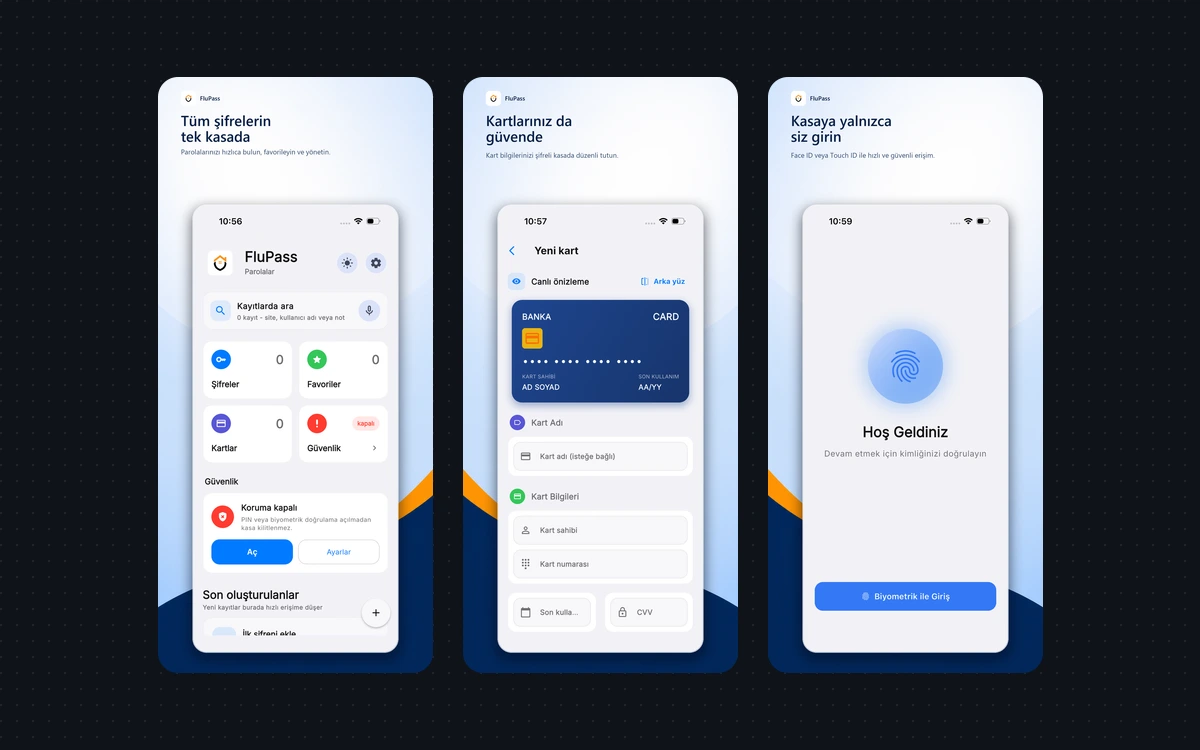
Keep passwords and cards in one vault. Search your records to find what you need.
Privacy-focused password manager
Keep passwords and cards together in a local encrypted vault. Find what you need and fill supported apps and websites with less effort.
See how it works ↓
FluPass
Keep passwords and cards in one vault. Search your records to find what you need.
Use autofill in supported apps and websites. You choose the right record.
Alongside local use, encrypted file backups and an optional Google Drive connection are available.
A smoother sign-in
Try the idea of autofill in this example. In the app, filling follows your supported platform’s flow and vault protection.
This demo never asks for or stores real passwords.
No. You can use the local vault; the Drive connection is optional.
An extension is being developed for Chrome and Chromium-based Edge. Installation and current support are documented in the source repository.